
Free during the beta · for Mac
Your inbox, shaped by you.
Putty is a Mac app for your mail, calendar and tasks. Tell it how you want an app to work — in plain words — and it reshapes it while you watch. Or ask for one that doesn't exist yet.
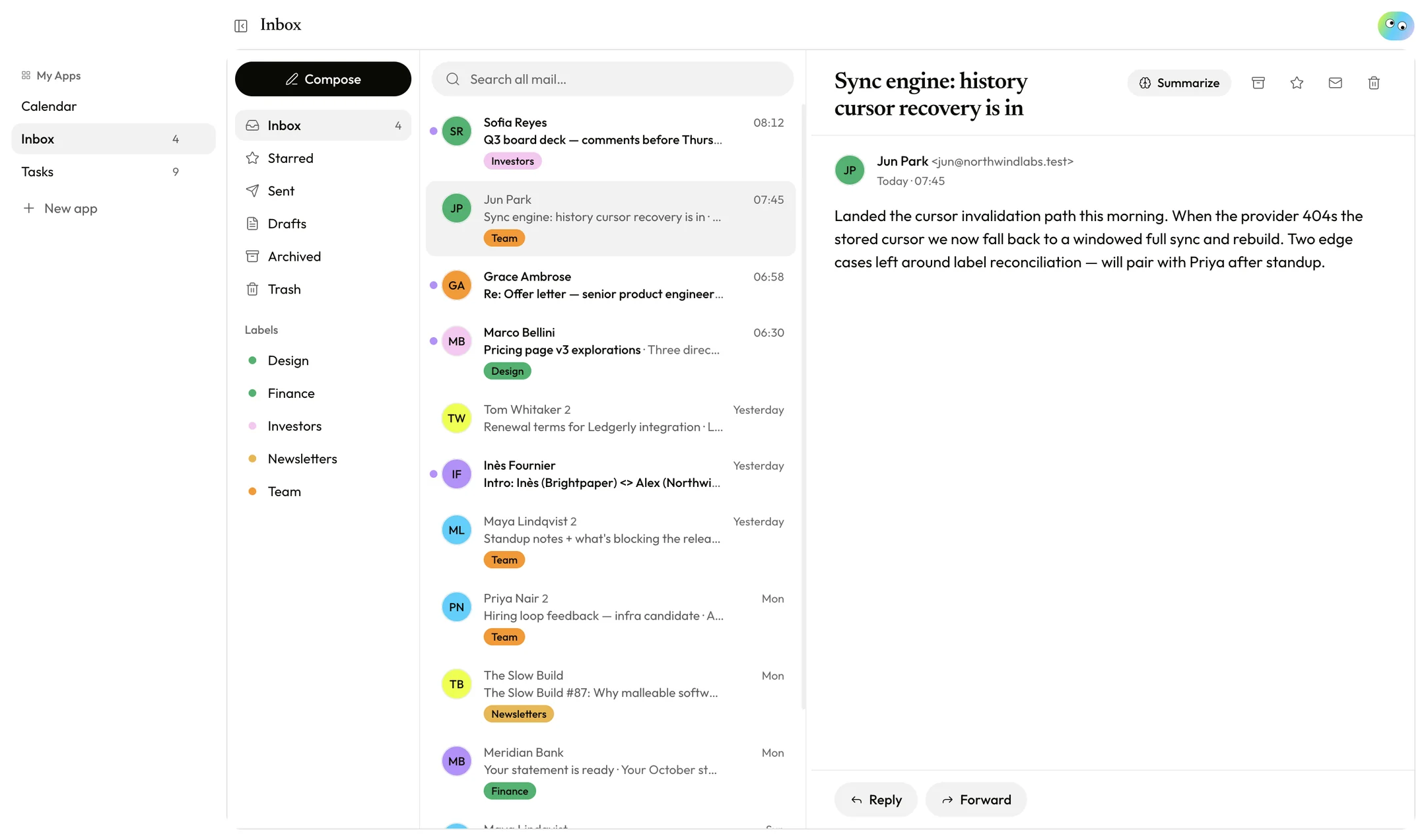
Software that fits the way you work.
Ask for a new app in plain words, or open Customize beside any app and say what you'd change. Putty writes the app, shows you the result, and keeps every version so you can always go back.
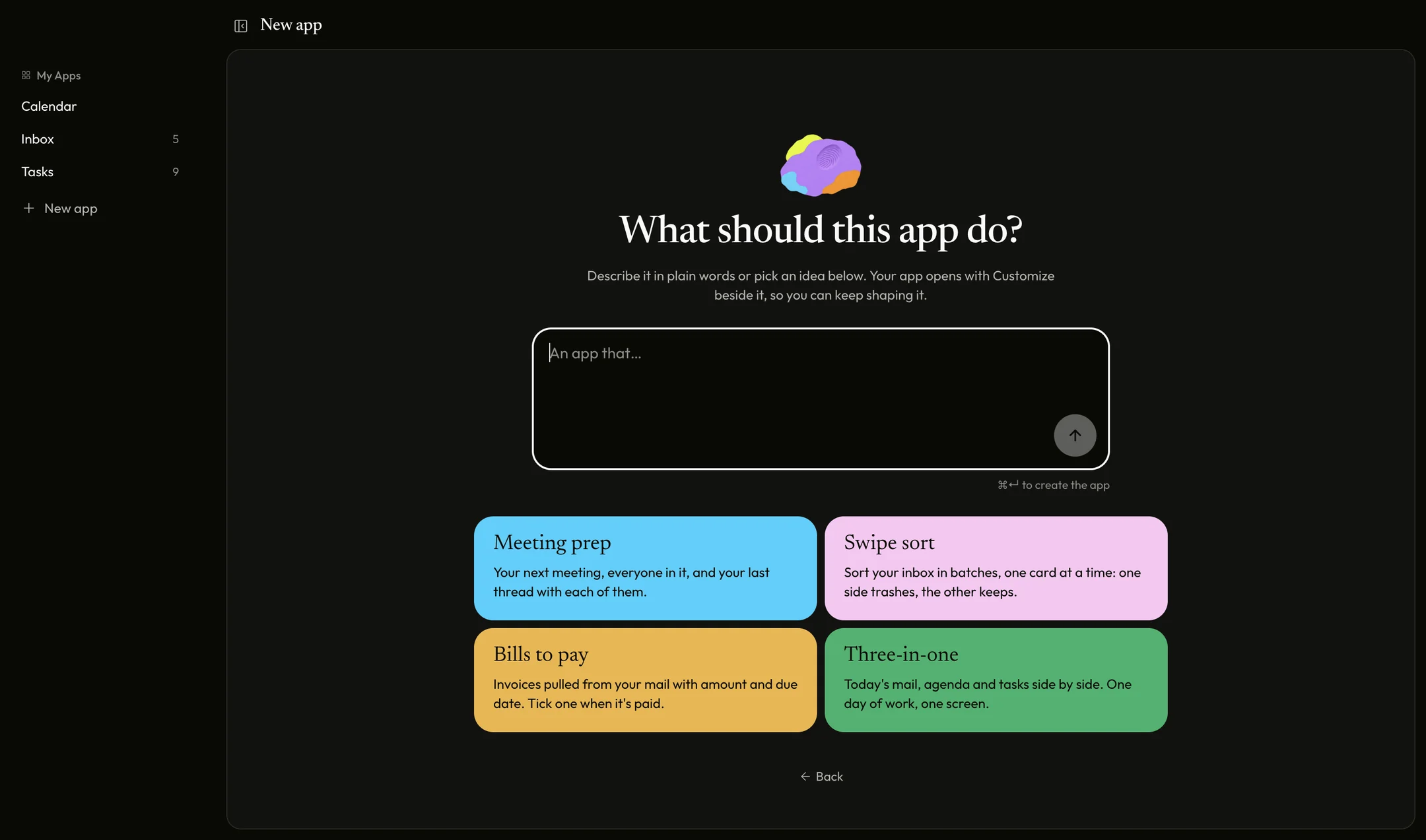
Everything you check before coffee.
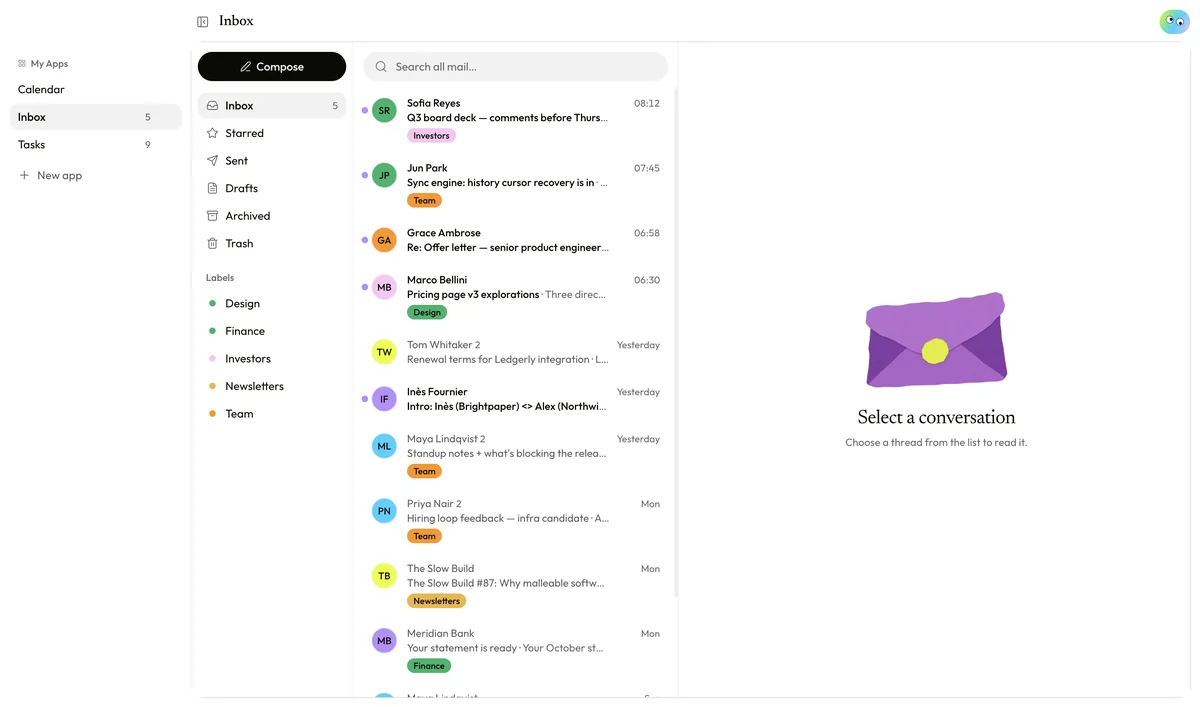
Inbox
Your Gmail, fast and calm. One-click summaries of long threads, and help writing replies.
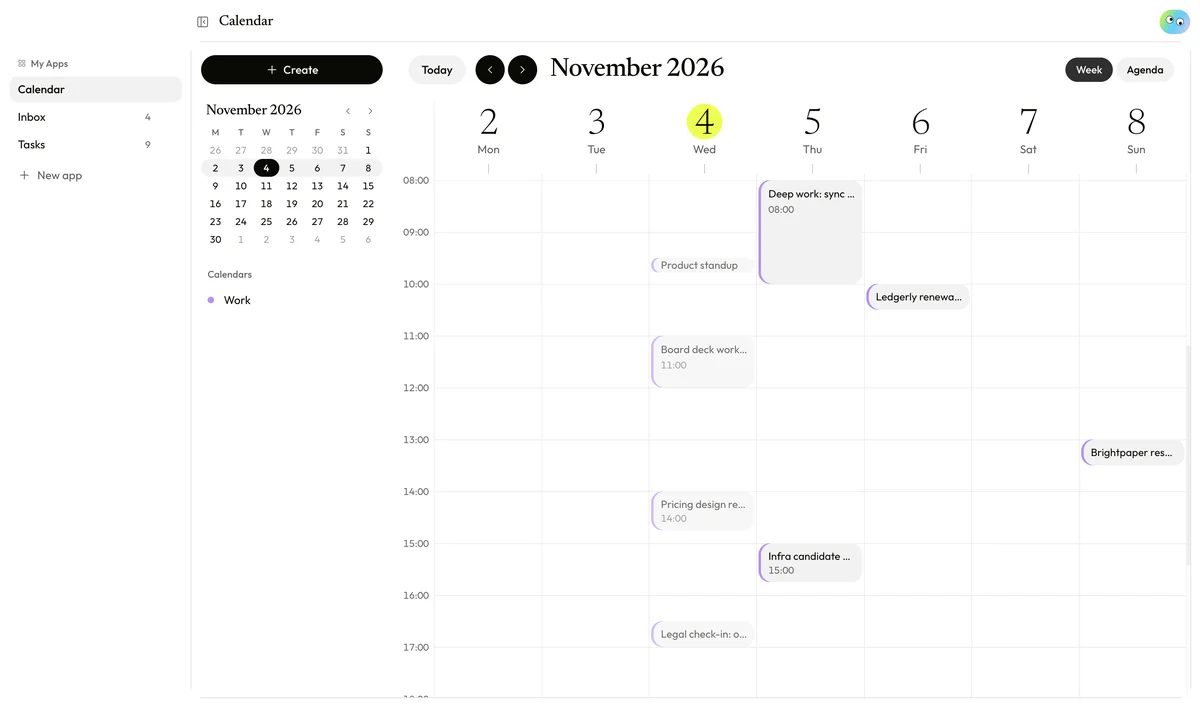
Calendar
Your Google Calendar by week or as an agenda. Drag to create, invite people, answer invites.
Tasks
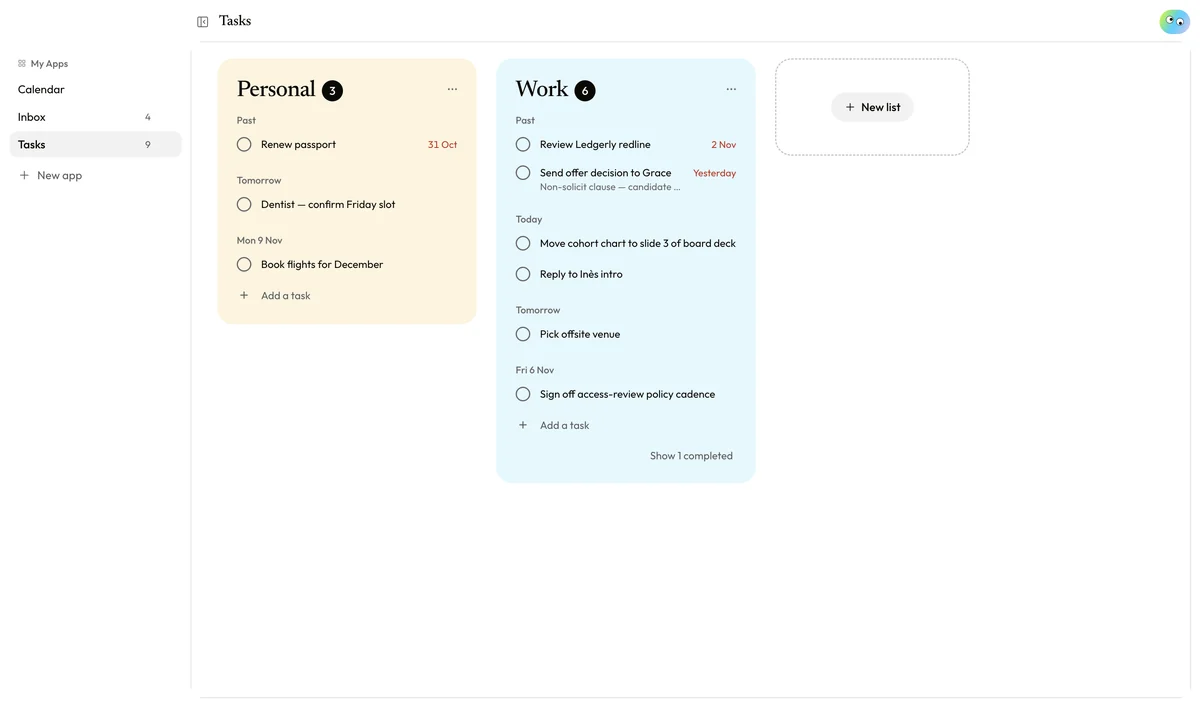
Your Google Tasks as lists you can tick through, with due dates and repeating tasks.
Your mail stays on your Mac.
Local first
Mail, events and tasks sync straight from Google to your Mac and are stored there. They don't pass through Putty's servers.
Apps ask first
Every app runs in a sandbox and only sees what you've allowed — reading mail, editing tasks, using AI. Sending mail always asks you to confirm.
AI only when you ask
Summaries and drafts send just that thread to the AI model, only when you press the button, in apps you've allowed.
Every version kept
Each change to an app is a version you can preview and restore. The built-in apps stay as they ship; you customize a copy.
Follows you
Your own apps sync across your Macs with your Putty account — the apps, not your mail.
Free during the beta
Every account gets AI credits to try customizing. Paid plans come later, and nothing is ever charged without you choosing it.
Up and running in a minute.
- Download Putty and drag it into your Applications folder.
- Open it and sign in with Google. During the beta, Google may say the app isn't verified yet — choose Advanced, then Go to Putty.
- Pick what to sync — mail, calendar, tasks — and start reshaping.
Think it, make it, done.
Putty is free while it's in beta. Try it on your own inbox tonight.
Download for Mac